Exploring Database Use Cases: Choosing the Right Database for Your Application
A guide to understanding different database categories and selecting the ideal database for various real-world use cases.
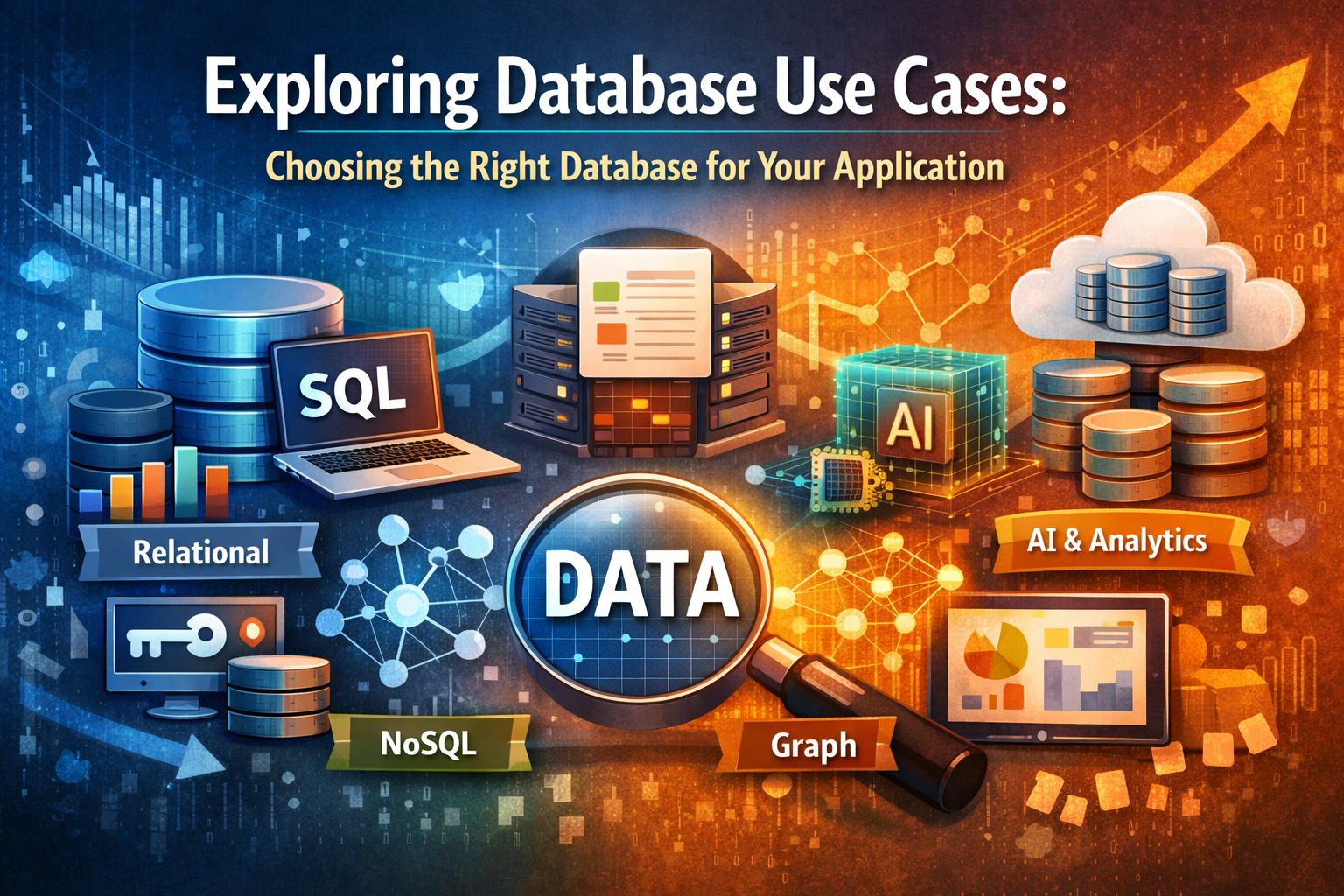
Database Use Cases
This guide maps different database categories to real-world use cases, so you can choose the right tool for the job.
Relational Databases (SQL)
Traditional row-based databases with strong ACID guarantees and structured schemas.
Definition: Relational databases store data in tables with rows and columns, using SQL (Structured Query Language) to manage and query data. They are known for their ACID (Atomicity, Consistency, Isolation, Durability) properties, ensuring reliable transactions and consistency.
Use when:
- You need strong ACID guarantees (banking, payments).
- Your data is structured and relational with joins.
- You want mature ecosystems (tooling, ORMs, drivers).
Examples:
- Banking systems → PostgreSQL, Oracle
- E-commerce platforms → MySQL, SQL Server
- SaaS multi-tenant apps → PostgreSQL, MariaDB
Key-Value Stores (NoSQL)
Databases optimized for simple key-based access, often in-memory and highly scalable.
Definition: Key-value stores manage data as a collection of key-value pairs, offering high performance and scalability. These databases are often used for caching and session management due to their quick access times.
Use when:
- Ultra-fast key-based lookups are needed.
- You need caching or session storage.
- High-throughput reads/writes with low latency.
Examples:
- Web session caching → Redis
- Feature flags & configs → etcd
- Real-time leaderboards → DynamoDB
Document Databases (NoSQL)
Databases that store semi-structured data as JSON-like documents with flexible schemas.
Definition: Document databases store data as JSON or BSON (binary JSON) documents, which allow for flexible schema definitions. These databases are great for handling semi-structured data where the structure can change over time.
Use when:
- Data is semi-structured / JSON-like.
- Schema evolves frequently.
- You need flexible queries across documents.
Examples:
- Product catalogs → MongoDB
- Content management → CouchDB
- Event logging → ArangoDB
Graph Databases (NoSQL)
Databases designed for highly connected data, optimized for traversals and relationships.
Definition: Graph databases are optimized for storing and querying relationships between data points. They use graph structures with nodes (entities) and edges (relationships), which makes them ideal for data involving complex relationships.
Use when:
- Relationships are first-class citizens.
- You need deep traversals or graph algorithms.
Examples:
- Social networks → Neo4j
- Fraud detection → TigerGraph
- Knowledge graphs → JanusGraph
Wide-Column Stores (NoSQL)
Column-family databases optimized for high write throughput and large-scale distributed storage.
Definition: Wide-column stores use a column-family data model, storing data in rows and columns, but the columns can vary for each row. These databases are highly scalable and are great for workloads that require fast writes.
Use when:
- You need to handle massive-scale writes.
- Queries are predictable and denormalized.
Examples:
- IoT telemetry → Cassandra
- Time-series metrics → HBase
Analytical Columnar Databases (SQL)
Databases that store data by columns, optimized for analytical queries and OLAP workloads.
Definition: Columnar databases store data in columns rather than rows, which allows for faster data retrieval for read-heavy analytical queries. These are often used in data warehousing and business intelligence applications.
Use when:
- You need OLAP-style analytics over large datasets.
- Workloads are read-heavy with aggregations.
Examples:
- Clickstream analytics → ClickHouse
- Real-time dashboards → Apache Kudu
Time-Series Databases (Mixed)
Databases optimized for time-stamped data, metrics, and events.
Definition: Time-series databases are specialized for handling time-stamped data, such as metrics or logs. These databases are optimized for fast inserts and querying over time intervals, making them ideal for monitoring and event-based data.
Use when:
- Data is primarily time-stamped.
- You need efficient retention, downsampling, rollups.
Examples:
- DevOps monitoring → Prometheus
- IoT metrics → InfluxDB
- Financial tick data → TimescaleDB
Vector Databases (NoSQL)
Databases specialized for storing and querying high-dimensional vectors for AI/ML use cases.
Definition: Vector databases are designed to store and query vectors, which are mathematical representations of data used in machine learning and AI tasks like semantic search and similarity matching.
Use when:
- You need semantic search or AI embeddings.
- High-dimensional nearest-neighbor queries.
Examples:
- Image similarity search → Milvus
- LLM retrieval (RAG) → Weaviate, Pinecone
Search Engines / Specialized (NoSQL)
Engines optimized for full-text search, relevance scoring, and specialized query types.
Definition: Search engines are specialized databases designed for full-text searching, relevance ranking, and fuzzy matching. These are used in scenarios requiring fast and accurate retrieval of documents or records based on text queries.
Use when:
- You need full-text search.
- Queries need relevance ranking, fuzzy match.
Examples:
- E-commerce product search → Elasticsearch
- App search → Typesense
- Log analytics → Solr
Streaming Databases (SQL)
Databases that support continuous queries and real-time processing on data streams.
Definition: Streaming databases are designed to process and analyze data streams in real time. They support continuous queries and transformations on the incoming data, allowing for quick decision-making and analysis.
Use when:
- You need real-time continuous queries.
- Streaming transformations matter as much as storage.
Examples:
- Fraud detection → Materialize
- Real-time personalization → ksqlDB
Data Warehouses & Lakehouses (SQL)
Centralized systems for large-scale analytics, combining storage and compute for BI/ML.
Definition: Data warehouses and lakehouses combine storage and compute for large-scale analytics, often used for business intelligence (BI) and machine learning. A lakehouse allows for a more flexible, hybrid approach combining the best of data lakes and warehouses.
Use when:
- You need centralized analytics at scale.
- You want separation of compute & storage.
Examples:
- Enterprise BI → Snowflake
- Data lake analytics → Databricks Lakehouse
Storage Engines
Low-level engines handling how data is stored, indexed, and retrieved inside databases.
Definition: Storage engines are responsible for how data is physically stored, indexed, and retrieved in a database. The choice of engine can impact database performance, durability, and transaction guarantees.
Use when:
- You need to optimize the persistence layer inside a DB.
- Choice of engine affects ACID, performance, durability.
Examples:
- OLTP → InnoDB (MySQL)
- Analytics → ColumnStore (MariaDB)
- Embedded KV store → RocksDB
Data Sharing & Federation (SQL Engines)
Engines that provide SQL queries across distributed, external, or federated data sources.
Definition: These engines allow you to query data across multiple, distributed data sources without having to centralize the data. They enable virtualized access to data stored in separate systems.
Use when:
- You query across multiple systems.
- You don’t want to centralize data first.
Examples:
- BI across data lakes → Trino
- Data virtualization → Dremio
- Ad-hoc analytics → DuckDB
ML Feature Stores
Specialized databases for storing and serving ML features for training and inference.
Definition: ML feature stores are databases designed to store and serve features used in machine learning pipelines. They ensure consistency between the training and inference stages, allowing for reliable and repeatable ML models.
Use when:
- ML pipelines need consistent feature values online & offline.
- You want training-serving consistency.
Examples:
- Recommender systems → Feast
- Real-time ML → Tecton